CMMC SC.3.188 and NIST SP 800-171 3.13.13 require that you “Control and monitor the use of mobile code.”
What is Mobile Code?
According to the NIST glossary, mobile code is “Software that is transmitted from a remote host to be executed on a local host, typically without the user’s explicit instruction.”
Mobile code technologies include: Java, JavaScript, ActiveX, PDF, Flash animations, and VBScript.
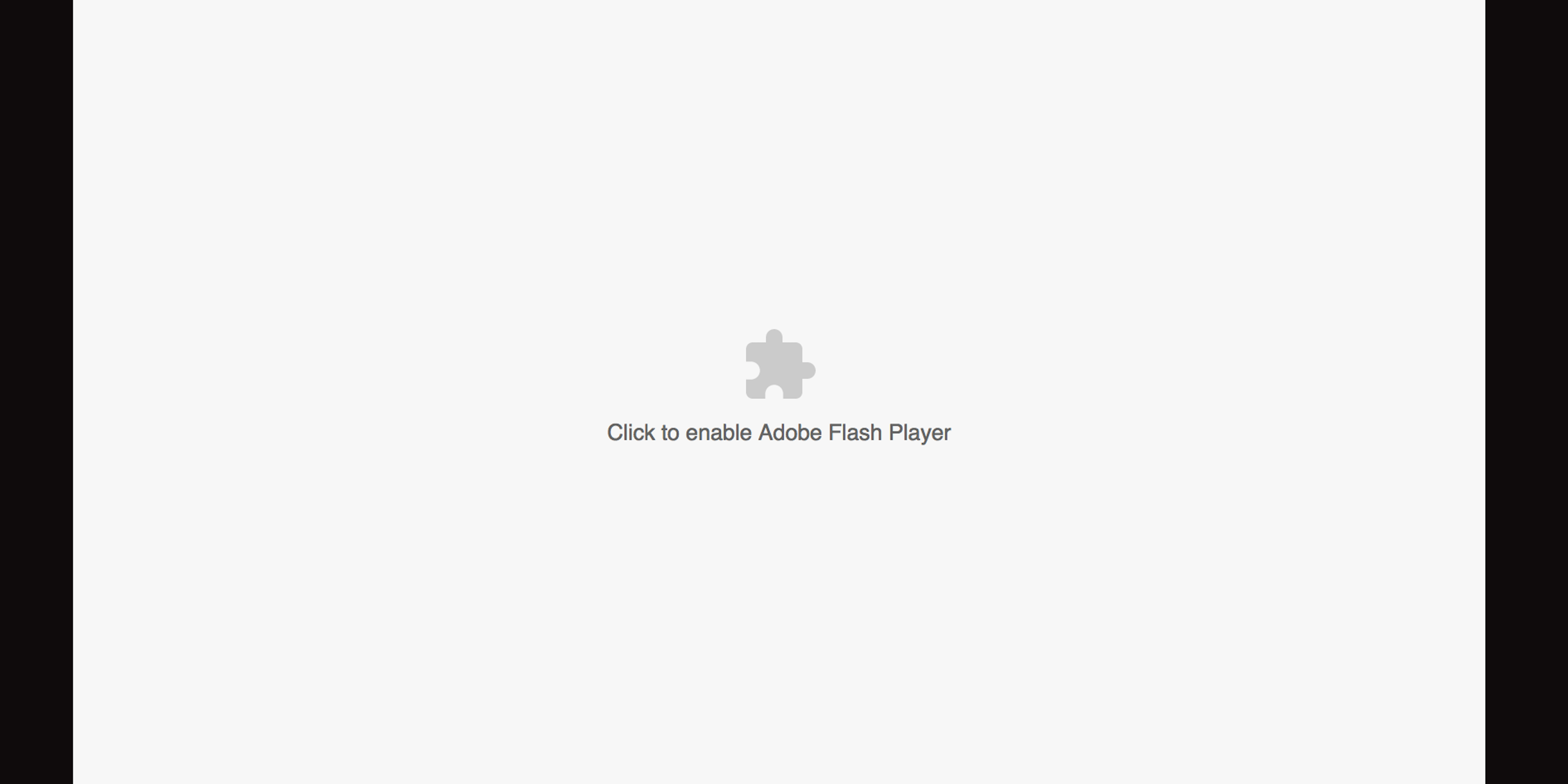
An example of mobile code is when you receive a popup on a website, saying that you need to enable flash player.
How do you Control & Monitor Mobile Code?
Mobile code can be controlled by deploying additional security settings to web browser applications such as Google Chrome and Microsoft Edge browsers. It can also be controlled by deploying additional security settings to Adobe Acrobat and Microsoft office products.
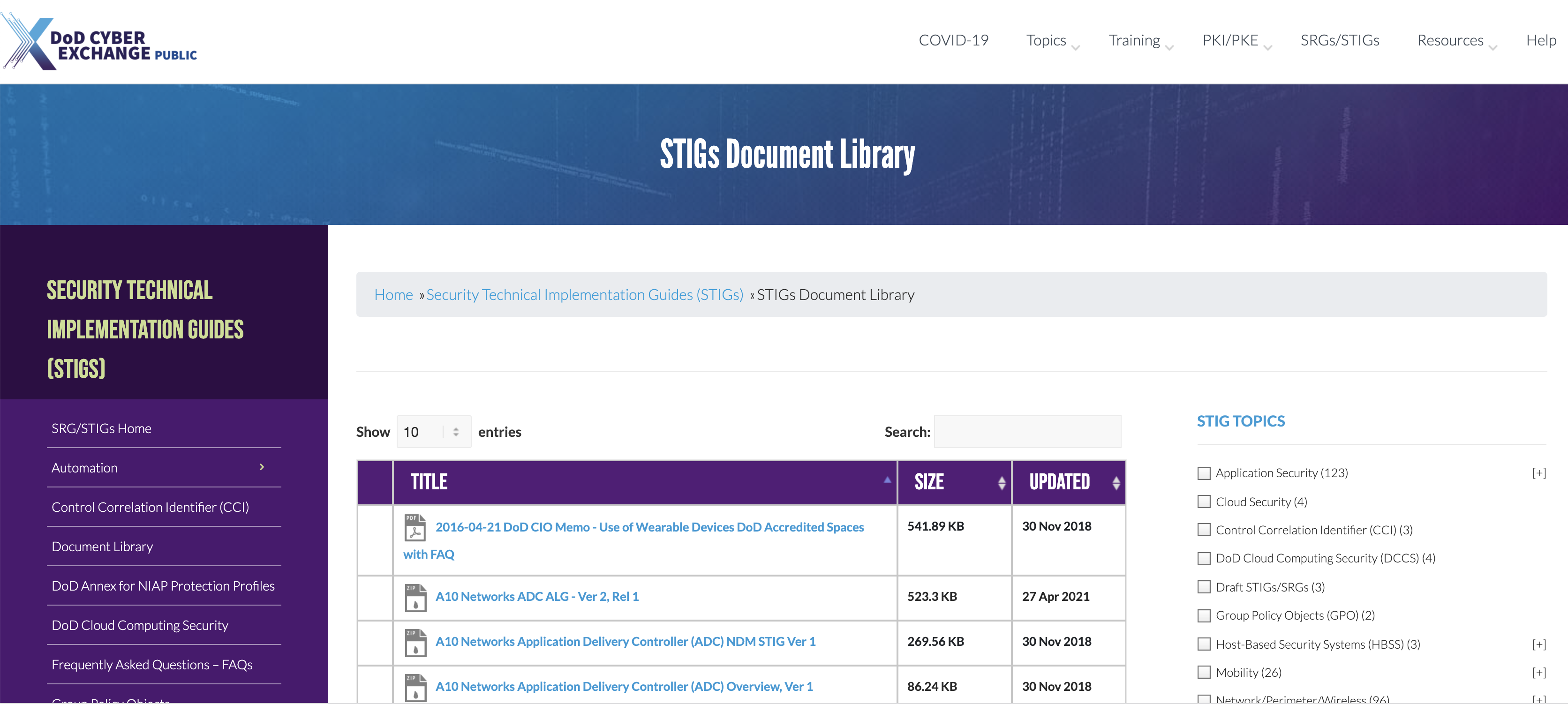
The easiest way to figure out how to accomplish this is to head over to the DoD Cyber Exchanges website and download the security technical implementation guide (STIG) templates from the “STIGs Document Library” for Google Chrome, Microsoft Edge, Adobe Acrobat, and Microsoft Office. Once you download these templates you can view them using the STIG viewer app to identify which settings relate to controlling mobile code. You can then configure these settings on your endpoints and servers.
You may monitor the use of mobile code by annually reviewing your mobile code settings and exceptions to your mobile code policy.